LANCommander 2.1.0 Release Candidate 2 Release Notes
Variable Picker Dialog
A new variable picker dialog has been added to the action editor and save path editor in the server UI. When editing action arguments, working directories, or save paths, a new button opens a dialog that lets you browse and insert LANCommander variables ({InstallDir}, {DisplayWidth}, etc.), environment variables (%APPDATA%, %LOCALAPPDATA%, etc.), and special folder paths (%MyDocuments%, %Desktop%, etc.) with a single click. No more needing to remember exact variable names or syntax.
Redistributable Improvements
File Tracking and Cleanup
Redistributable files installed into a game's directory are now tracked. When a game is uninstalled, any files that were extracted by redistributables are cleaned up alongside the game's own files. This prevents leftover redistributable artifacts from lingering in the install directory after uninstallation.
Detect Install Script Behavior
The redistributable install detection logic has been updated. If a redistributable does not have a detect install script defined, the install script will now always run rather than being skipped. This ensures that redistributables without detection scripts are reliably installed every time, which is the expected behavior for most simple redistributable configurations.
Package Script Filtering
Package scripts are now filtered out of API responses for games, redistributables, and tools. These scripts are used internally during the packaging process and should not be sent to clients. This filtering is applied at both the endpoint and AutoMapper levels, ensuring that package scripts never leak to launchers or other API consumers.
Launcher CLI Improvements
Full Command Line Verb Support
The Avalonia launcher now supports the full set of CLI verbs: RunScript, Install, Uninstall, Run, Sync, Import, Export, Upload, Login, Logout, and ChangeAlias. Previously only RunScript was supported in headless mode. The --help and --version flags are also now recognized. Console logging has been added for headless execution.
CLI Project Removal
The standalone LANCommander.Launcher.CLI project has been removed. All CLI functionality is now handled directly by the Avalonia launcher's headless mode, consolidating the codebase and eliminating the need for a separate CLI binary.
C++ SDK
A new C++ SDK (LANCommander.SDK.Cpp) has been introduced. Written in C++14, it provides maximum compatibility from Windows 95 through modern platforms. The SDK includes 16 API clients covering authentication, games, library, saves, media, tools, depot, and more. It ships with two HTTP backend implementations (WinINet for Windows and libcurl for cross-platform) and uses vendored cJSON for zero mandatory external dependencies. This SDK is the foundation that powers the legacy launcher.
Legacy Launcher
The legacy launcher is a fun side project and detour from the main development track. It should not be regarded as a primary concern or a supported production launcher. Think of it as an experiment in seeing just how far back LANCommander's reach can extend.
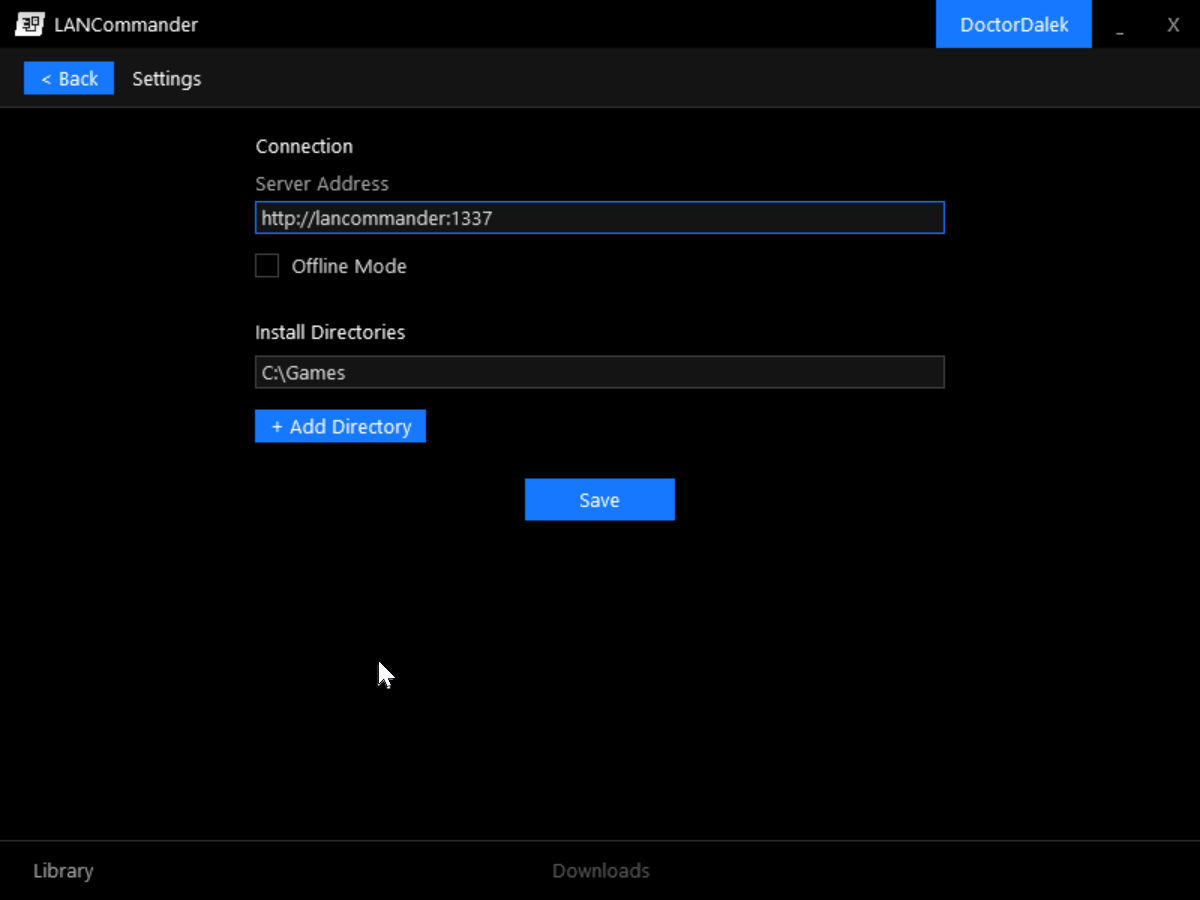
The legacy launcher is a native Win32 application written in C++ that targets Windows 9x (Windows 95/98/ME) and beyond. Built on Allegro 4 for rendering and GDI+ for image decoding (JPEG cover art, backgrounds, etc.), it provides a surprisingly full-featured LANCommander experience on vintage hardware. GDI+ is a requirement and must be available on the target system. For Windows 9x systems, this means installing the GDI+ redistributable.
Features include:
- Library and Depot browsing with cover art grid
- Game detail view with metadata and screenshots
- Download queue with progress tracking
- Login screen with server authentication
- Settings screen with configurable server address
- SQLite-backed local database for offline game metadata
- Custom window chrome with a themed UI
- Unicode support for international character sets
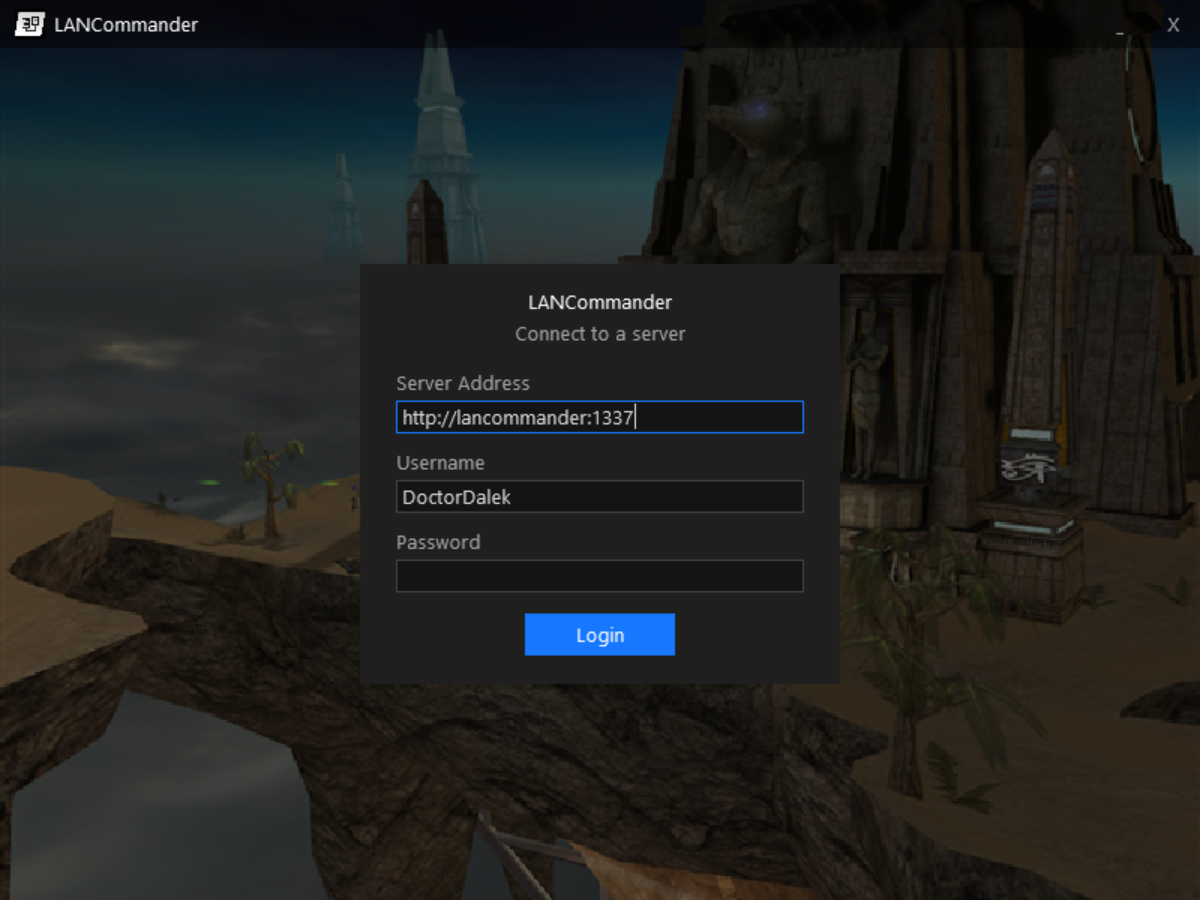
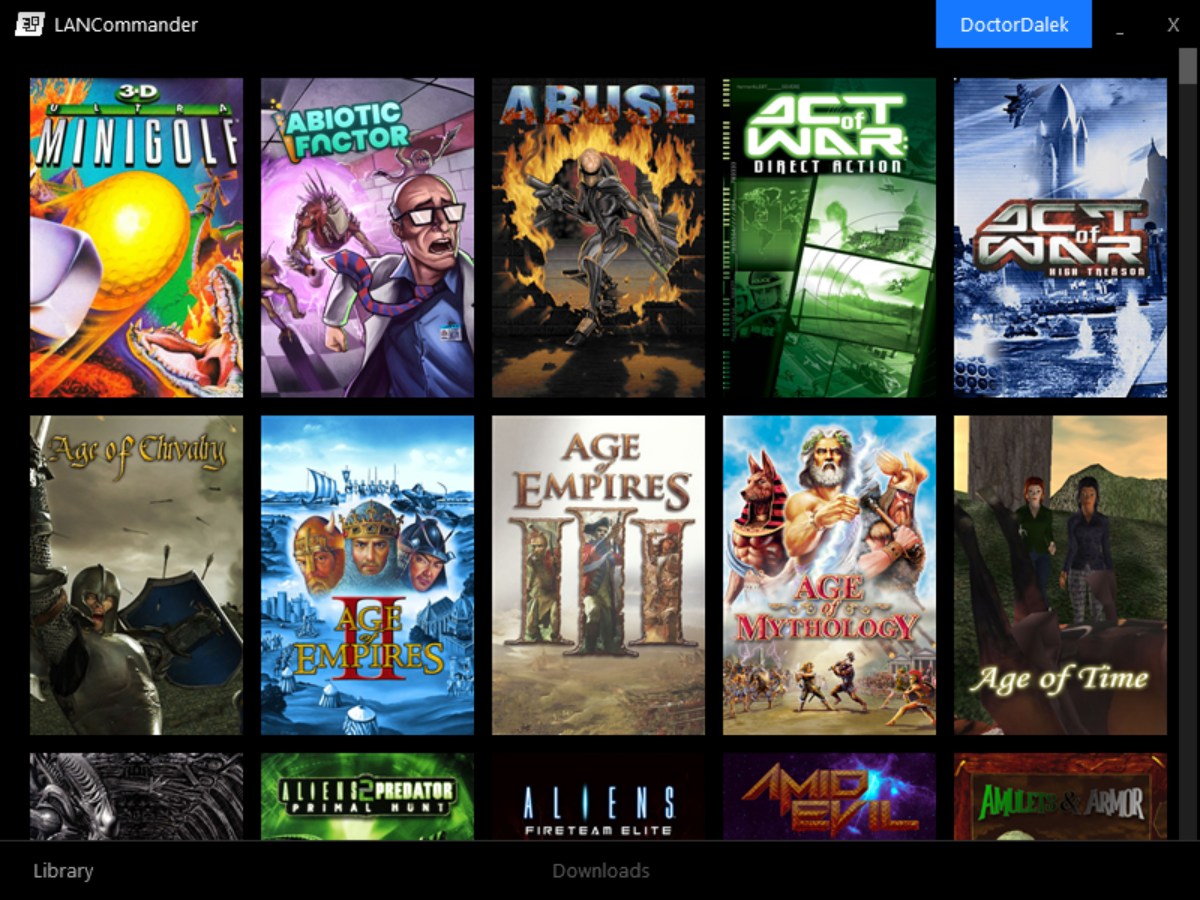
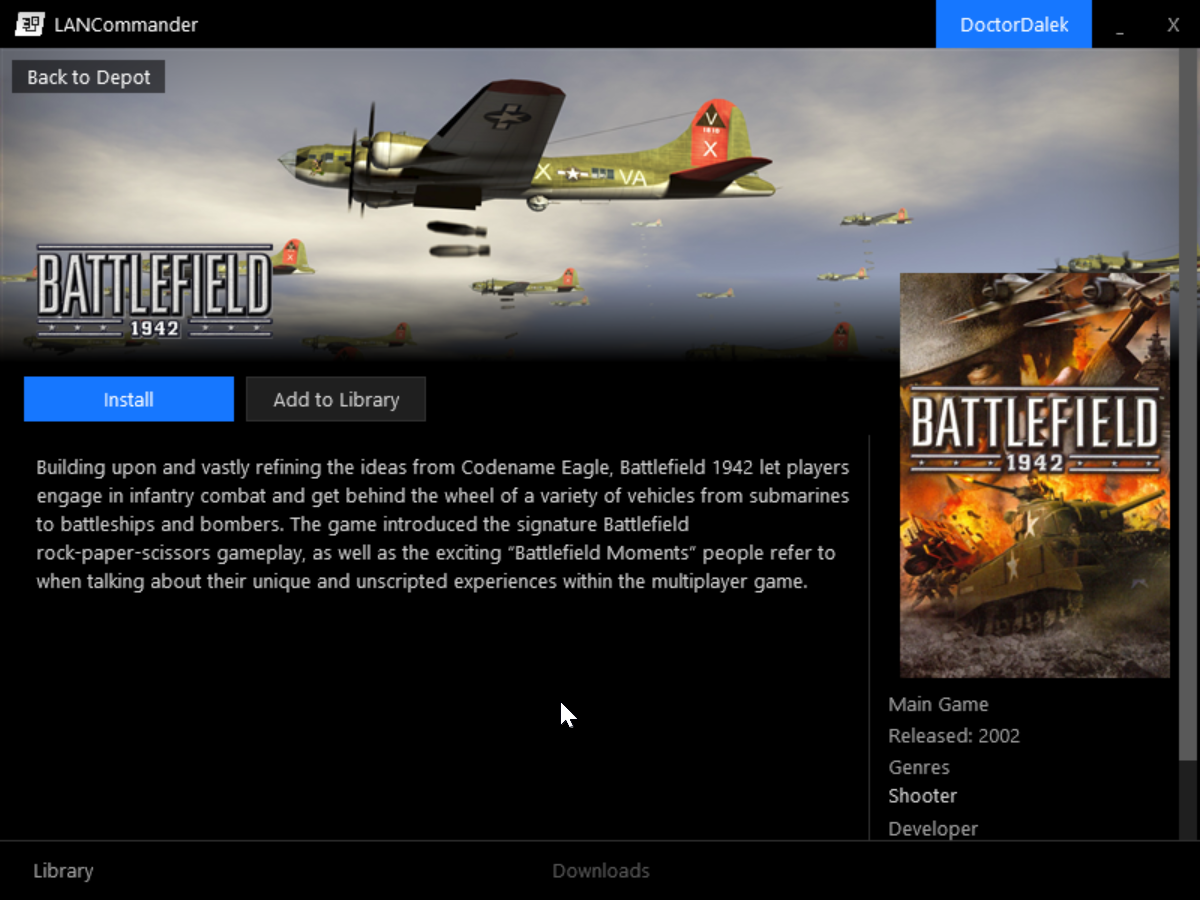
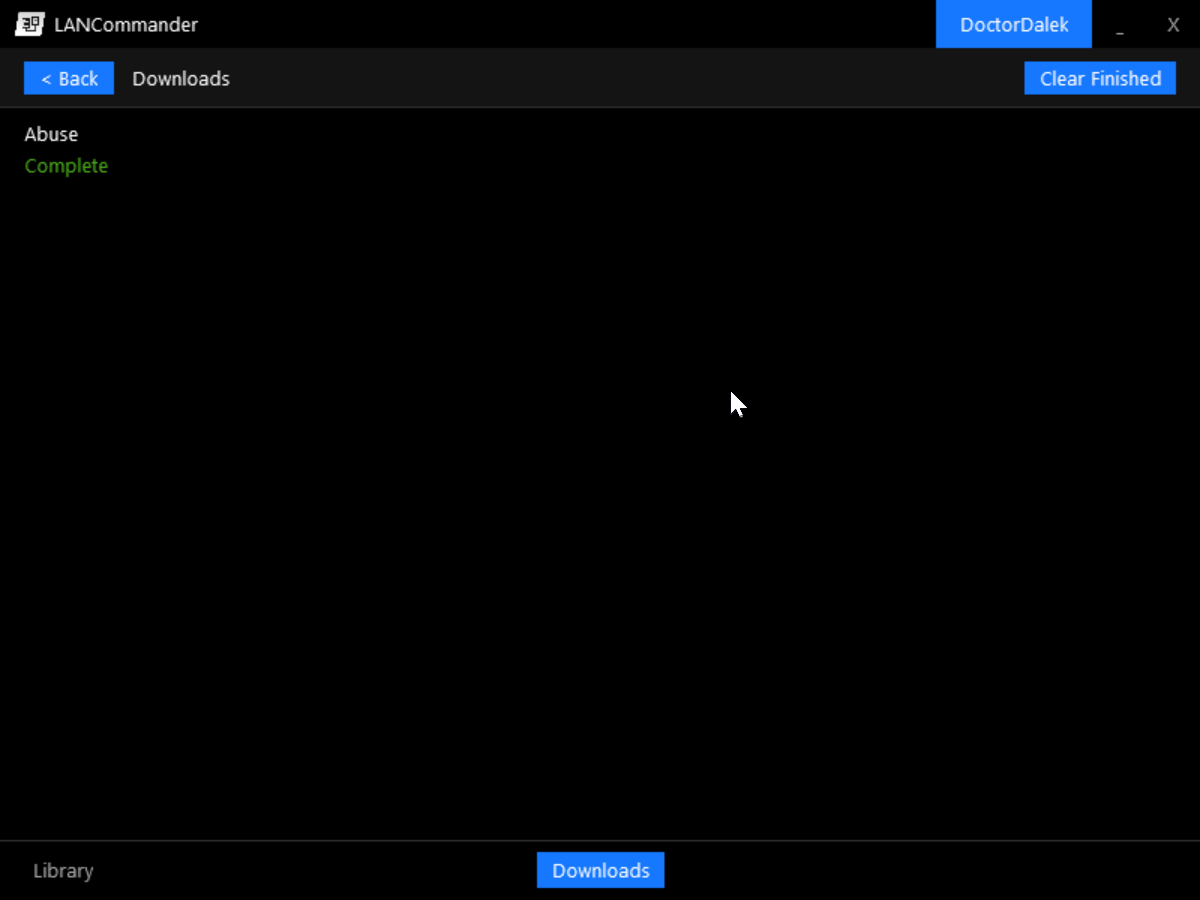
The login screen running on Windows 98
Changelog
Server
- Added: Variable picker dialog for action editor and save path editor
- Fixed: Package scripts are no longer exposed through API responses
- Fixed: Script helper now correctly maps Package and RunWrapper script filenames
Launcher
- Added: Full set of CLI verbs (Install, Uninstall, Run, Sync, Import, Export, Upload, Login, Logout, ChangeAlias)
- Added: Console logging for headless CLI execution
- Changed: Redistributable files are now tracked and cleaned up on uninstall
- Changed: Redistributables without detect install scripts now always run the install script
- Fixed: Script writing for all script types
- Removed: Standalone CLI project (functionality merged into Avalonia launcher)
Legacy Launcher
- Added: Complete native Win32 launcher targeting Windows 9x
- Added: Library and depot browsing with cover art grid
- Added: Game detail view with metadata display
- Added: Download queue with SQLite-backed local database
- Added: Settings screen with YAML configuration
- Added: Custom themed window chrome
- Added: Unicode support for Win9x targets
- Added: CI workflow for automated builds
SDK
- Added: C++ SDK (LANCommander.SDK.Cpp) with C++14 compatibility
- Added: WinINet and libcurl HTTP backend implementations
- Added: 16 API clients covering full LANCommander API surface
- Changed: Game list filtering now shows only standalone mods/expansions and main games
Downloads
Loading release downloads…